
Details
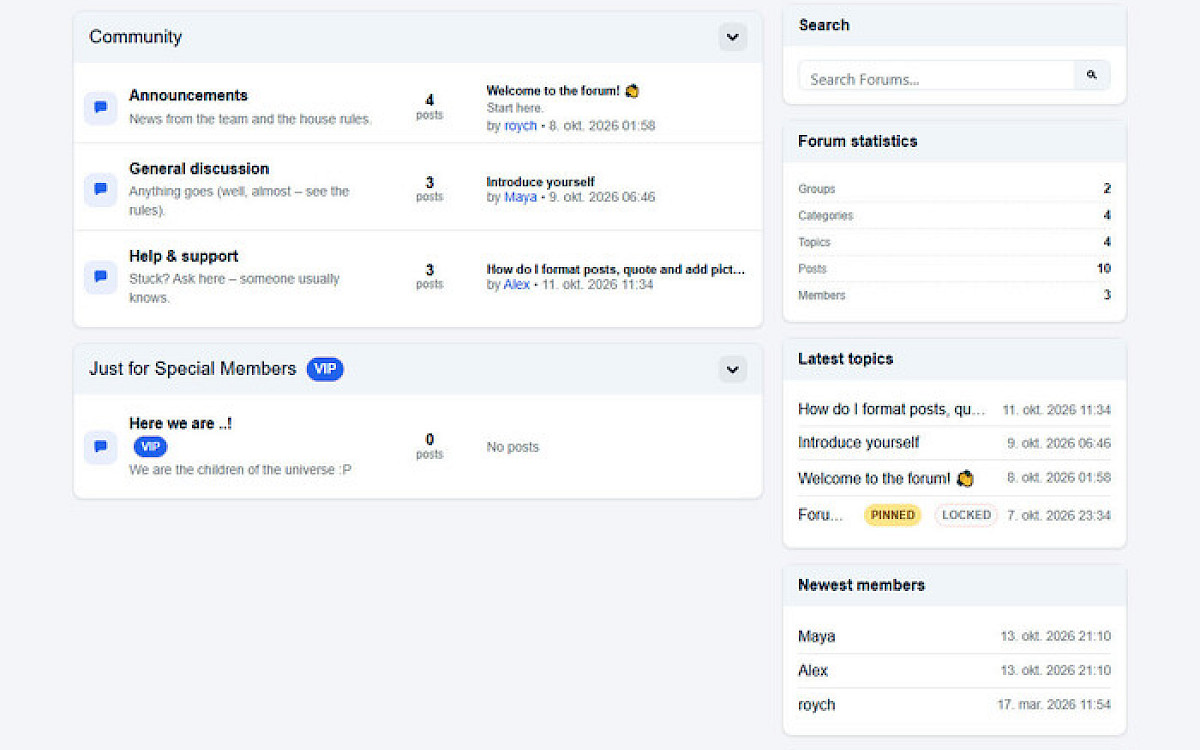
The forum part
- Structure: groups, categories, topics and replies, with pinned and locked topics, tags, search and a member list.
- Posting: quotes, “in reply to”, likes/votes, a copy link and share cards for every post.
- Members: private messages with a “you’ve got mail” popup, followed topics with e-mail notifications, and a “Followed topics” tab that shows what’s new.
- Profiles: avatar, signature and ranks (manual or by post count).
- Editor: CKEditor with drag & drop uploads, resizable images and file attachments.
Keeping it clean
- Anti-spam: honeypot, JS challenge, link limits for newcomers, disposable-email and MX checks, StopForumSpam and optional Cloudflare Turnstile. Bots get bored, humans don’t notice.
- Moderation: a report button and a dashboard with Hide/Lock/Delete in one click. You can edit every topic and reply right from the admin.
SEO, GEO & speed
- SEO: clean meta tags, JSON-LD, RSS and a sitemap.
- Share cards: Open Graph cards with the right picture for each reply.
- GEO (AI search): Markdown versions of topics and an
/llms.txtfile. - Speed: fast, with batched queries, and ProCache-friendly.
Fits your site, not the other way round
- It renders inside your own
_main.php(Markup Regions or$content) or as a standalone page. - One switch hides your site’s page loader on forum pages.
- You can add your own header, footer,
<head>markup, or anything before or after the forum.
Looks
- Six ready-made presets: Obsidian, Light, Dark, Auto, Monochrome and Custom.
- A Simple or Bootstrap 5 theme, and a Classic or Compact layout.
- Design Studio, if you want to tweak every colour and size yourself.
- Pick a preset, and your forum looks finished before your coffee gets cold.
Admin goodies
- Dashboard: reports, groups and categories (drag & drop), topics, messages and members.
- Settings: neatly arranged. It also works in Konkat dark mode and on phones.
- Optional demo content: pinned forum rules and a few sample topics, removable in one click.
- Export / Import: move the whole forum to another site as one .zip: settings, posts, files, members, and even passwords (encrypted hashes, so members just log in as before).
- Clean uninstall: it removes everything it created, with a big red warning first.
Install: copy the module to /site/modules/NativeForum/, run Modules > Refresh, and install Native Forum. The admin installs itself. Then open /forum/. That’s it.
You may also like
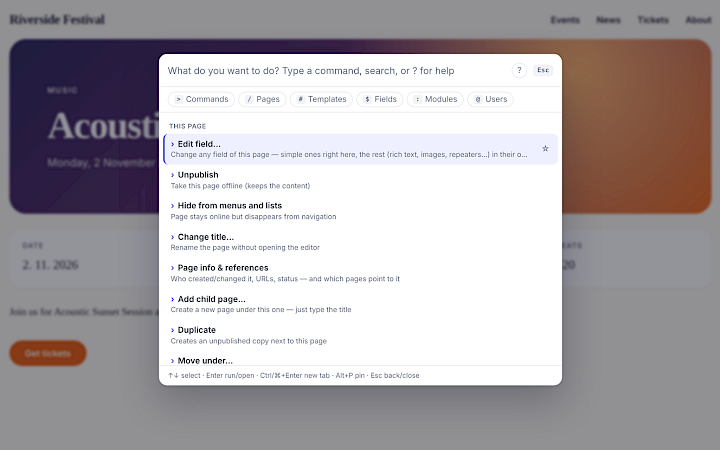
Native Command
A keyboard command palette for ProcessWire — in the admin and on the front-end.
FreeDetails

AI Visibility
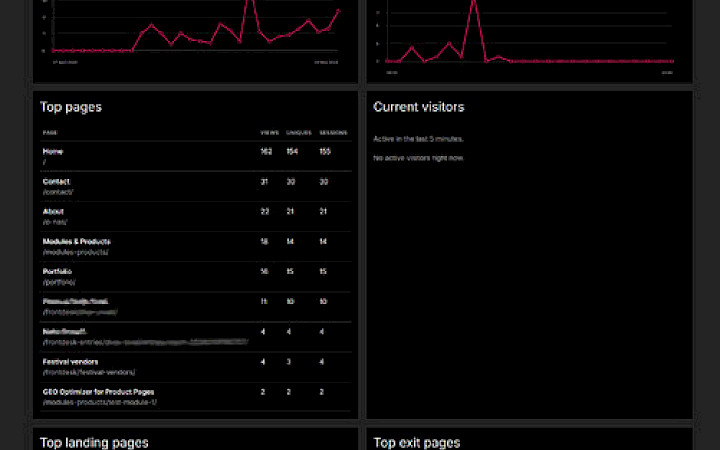
Get your catalog ready for ChatGPT, Claude, Perplexity, Gemini and other AI assistants. Audit product data, generate multilingual AI content and FAQ, automate fixes in safe batches, and measure AI crawler visits and AI referrals, all from your Presta
€125.99Details